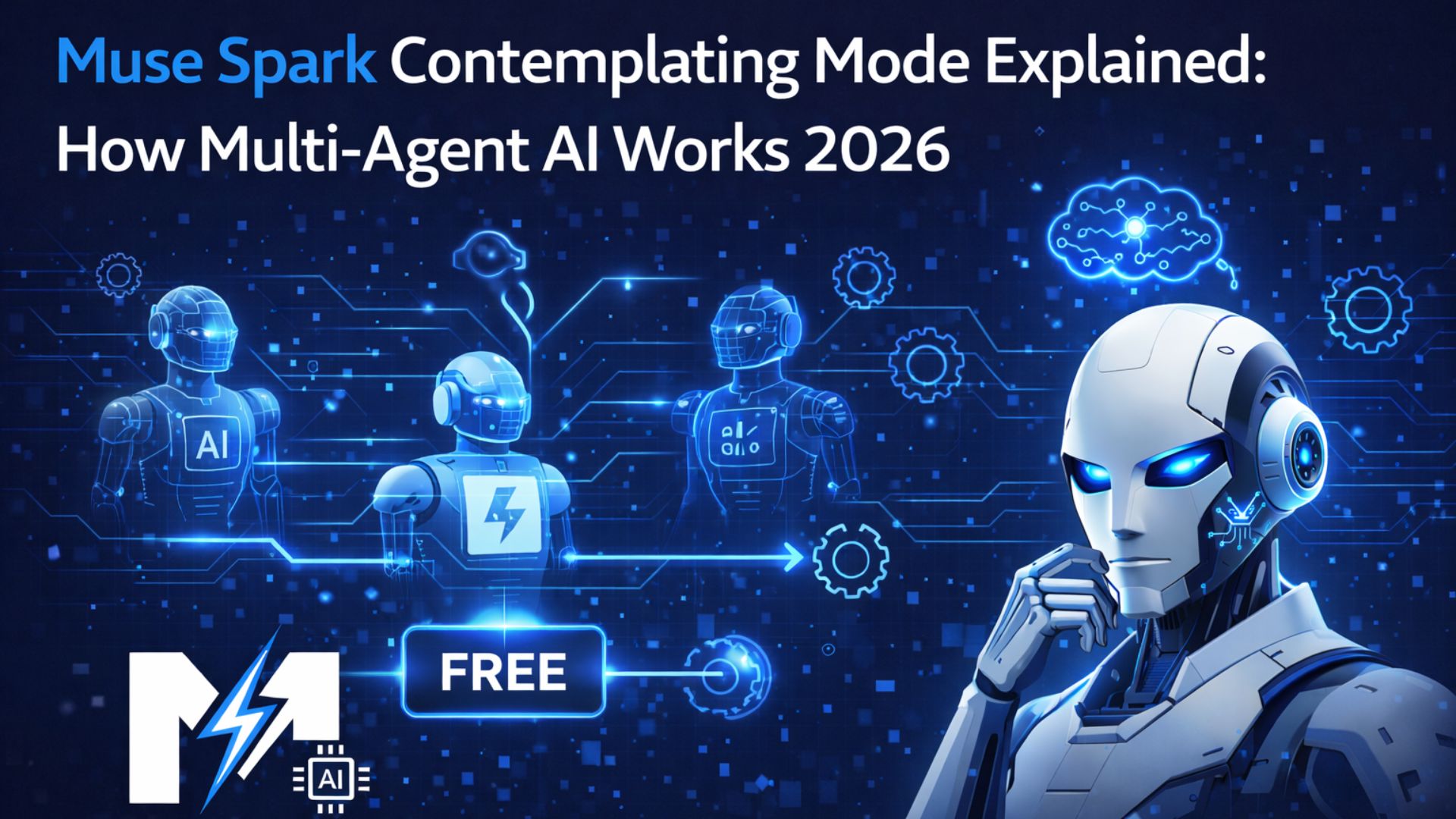
Muse Spark Contemplating Mode Explained:
How Multi-Agent AI Works
A plain-English breakdown of how Meta Muse Spark’s Contemplating mode runs multiple AI agents in parallel to tackle the hardest problems — and why it achieves 58% on Humanity’s Last Exam without increasing wait times.
📋 Table of Contents
- What is Contemplating Mode?
- Single Agent vs Multi-Agent: The Key Difference
- How Contemplating Mode Works — Step by Step
- Thought Compression Explained
- Benchmark Results with Contemplating Mode
- Contemplating Mode vs Gemini Deep Think vs GPT Pro
- When to Use Contemplating Mode
- How to Enable Contemplating Mode
- The Future of Multi-Agent AI
- Frequently Asked Questions
Muse Spark Contemplating mode: What is Contemplating Mode?
Contemplating mode is Meta Muse Spark’s advanced reasoning feature — its equivalent of what Google calls “Deep Think” or what OpenAI calls “o1-level reasoning”. But Meta has taken a fundamentally different approach that makes Contemplating mode unique.
Rather than having one AI agent think through a problem for a very long time (which increases wait times significantly), Contemplating mode orchestrates multiple AI agents working in parallel — each exploring different reasoning paths simultaneously — and then reconciles their outputs into a single, superior answer.
💡 In plain English: Imagine you have 5 smart people working on the same problem at the same time, each taking a different approach — then comparing notes at the end to pick the best solution. That’s essentially what Contemplating mode does.
Single Agent vs Multi-Agent: The Key Difference
Most AI reasoning models — including earlier versions of GPT and Claude — use a single-agent approach to reasoning. This means:
- One AI process receives your question
- It generates a long internal “chain of thought” — reasoning step by step
- The longer it thinks, the better its answer — but also the longer you wait
The problem with this approach is a hard trade-off: better answers require longer wait times. Users who want the best results must accept slow responses.
Muse Spark’s Contemplating mode breaks this trade-off. By running multiple agents in parallel, Muse Spark gets the benefits of extended reasoning — without the proportional increase in wait time. The agents run simultaneously, not sequentially.
How Contemplating Mode Works
Approach A
Approach B
Approach C
Approach N
How Contemplating Mode Works — Step by Step
- You ask a hard question and enable Contemplating mode
- Muse Spark sends the question to multiple parallel AI agents simultaneously
- Each agent independently reasons through the problem using its own reasoning chain
- Agents may take different approaches, explore different solution paths, or focus on different aspects of the problem
- An orchestration layer monitors all agents and identifies which reasoning paths are most promising
- The outputs are reconciled — areas of agreement are weighted more heavily, conflicts are resolved
- A final, synthesised answer is generated that is typically superior to any single agent’s output
✅ The key insight is that parallelism allows Contemplating mode to effectively get more “thinking time” without increasing real-world latency. Clock time stays the same — cognitive effort scales up.
Thought Compression — Meta’s Secret Weapon
Alongside multi-agent orchestration, Meta built another powerful technique into Muse Spark’s reasoning: thought compression.
Here’s how it works: During training, Meta used a technique called thinking time penalties in reinforcement learning — essentially penalising the model when it used too many tokens to reach an answer. This forced Muse Spark to compress its reasoning — to solve problems using fewer thinking tokens while maintaining accuracy.
The result is fascinating: rather than a simple linear improvement as the model thinks longer, Muse Spark shows a phase transition:
- Initially, the model improves by thinking longer (as expected)
- Then the length penalty triggers thought compression — the model starts solving problems with far fewer tokens
- After compressing, the model extends its solutions again to achieve even stronger performance
💡 Think of thought compression as learning to be more efficient. Like a student who initially writes 10 pages to answer an essay question, then learns to write a brilliant answer in 2 pages — and eventually writes an exceptional answer in 3 pages with higher-quality content.
Benchmark Results with Contemplating Mode
| Benchmark | Muse Spark (Standard) | Muse Spark (Contemplating) | Improvement |
|---|---|---|---|
| Humanity’s Last Exam (HLE) | 39.9% | 58% | +18.1 pts |
| FrontierScience Research | ~22% | 38% | +16 pts |
| AIME (Advanced Maths) | Moderate | High | Significant |
| Response Latency | Baseline | Comparable | No slowdown |
Contemplating Mode vs Gemini Deep Think vs GPT Pro
Meta’s Contemplating mode directly competes with Google’s Gemini Deep Think and OpenAI’s GPT Pro (the maximum reasoning mode). Here’s how they compare:
| Feature | Muse Spark Contemplating | Gemini Deep Think | GPT Pro |
|---|---|---|---|
| HLE Score | 58% | ~57% | ~58% |
| Approach | Multi-agent parallel | Extended single reasoning | Extended single reasoning |
| Latency impact | Minimal | Significant slowdown | Significant slowdown |
| Cost | Free (gradual rollout) | Paid | Paid ($200/month) |
| Availability | Gradual rollout | Available now | Available now |
The performance is equivalent at the top — but Muse Spark’s approach of parallel agents instead of longer single-agent thinking gives it a structural latency advantage. And when fully rolled out, it will be free.
When to Use Contemplating Mode
✅ Use Contemplating Mode For:
- Hard maths and STEM problems
- University-level research questions
- Complex scientific analysis
- Writing detailed long-form essays
- Multi-step logical reasoning
- Analysing complex documents
- Competitive exam preparation
❌ Skip Contemplating Mode For:
- Simple everyday questions
- Quick factual lookups
- Casual conversation
- Short creative writing
- Basic summarisation tasks
- When speed matters most
How to Enable Contemplating Mode
Contemplating mode is being gradually rolled out to meta.ai users following the April 8, 2026 launch. Not all users have access yet. Here’s how to check and enable it:
- Go to meta.ai and log in with your Meta account
- Look for a reasoning mode selector, toggle, or “Contemplate” button near the chat input box
- If available, toggle it on before typing your hard question
- If not yet available, keep your Meta AI app updated — it will appear when rolled out to your account
💡 If you don’t see Contemplating mode yet, it is likely still being rolled out to your region or account. Meta has confirmed it will be available to all users in the coming weeks.
The Future of Multi-Agent AI
Meta’s Contemplating mode is more than just a feature — it is a preview of where AI reasoning is heading. Multi-agent orchestration as a built-in capability represents a shift from “one AI thinking harder” to “many AIs thinking together.”
As Meta scales up its Muse model family with larger, more capable models, Contemplating mode will become even more powerful. The company has explicitly stated that its goal is personal superintelligence — AI that genuinely helps individuals in every aspect of their lives. Multi-agent reasoning is a key component of that vision.